
Product / SSP
Run your own SSP
Set floors, negotiate deals, and choose which demand reaches your inventory. Riptide supports CTV and audio ad breaks, verifies supply-chain records, and reports fill rate, eCPM, and revenue. Manage it through the console, API, or MCP tools.
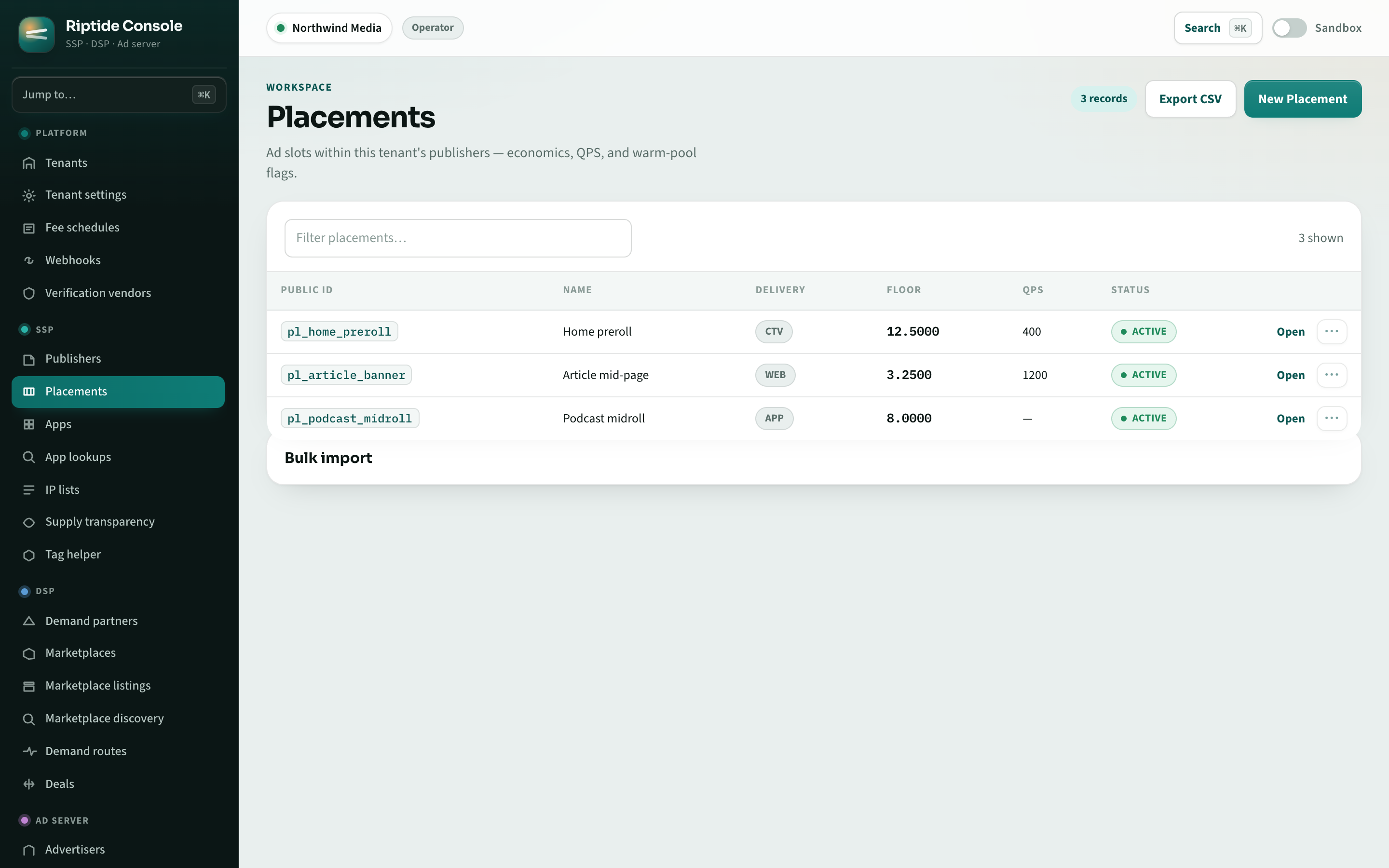
Placements and floors
Set floors, compliance rules, verification requirements, and demand connections for each publisher or placement.
Negotiated deals
Offer preferred, guaranteed, and private deals. Eligible guaranteed deals take priority; buyer seats, domains, campaign dates, and frequency caps determine eligibility.
Curated marketplaces
Group demand routes and deals, then connect placements to the group.
Supply transparency
Publish and verify ads.txt, app-ads.txt, and sellers.json records. Require authorization checks before a bid can win.
Podding and CTV
Build CTV and audio ad breaks that meet duration and brand-repetition limits. Test your own selection models through Decisioners.
Yield reporting
Track fill rate, eCPM, and revenue from the same delivery records used for billing.
Open auction, marketplace, and deals together
Offer an impression through the open auction, selected marketplaces, and negotiated deals together. Buyers can bid on a deal or against the open floor, unless you have restricted a route to a private auction. The DSP overview explains how to configure demand routes and deals; the standards page lists supported buyer protocols and versions.
Choose the route to your inventory
Open Lake helps you find and connect with partners, verify the route to your inventory, and limit how many intermediaries it passes through. Read the Open Lake thesis.
Plan your inventory and demand setup
Share your placements, ad formats, and buyer relationships when you request access.