
Product / Open Lake
Find ad partners and reconcile their fees
Find supply and demand partners, agree terms, and review the participants and fees recorded for each fill.
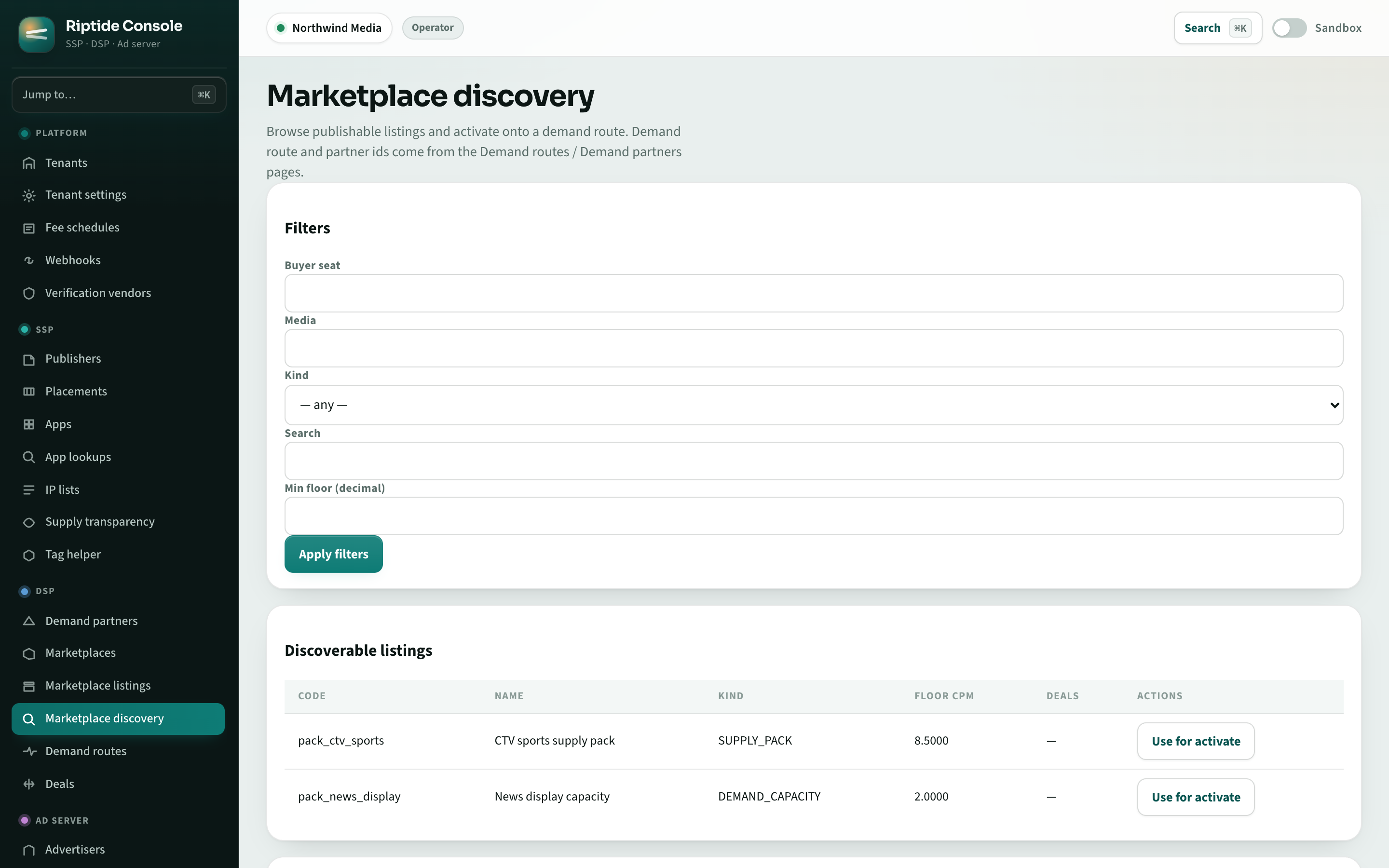
From discovery to delivery
Use listings to find inventory, demand, or services your platform needs. After activation, review the receipt for each recorded fill to check who participated and what they charged.
Choose how to participate
Publish what you offer and choose the partners and services your business needs.
Publishers
Set floor prices and limits on the number of intermediaries. Connect directly with demand partners or offer inventory through curated packages.
Buyers
Compare the partners and fees involved in buying inventory. Choose direct relationships, buying services, or other products under agreed terms.
Intermediaries
Offer a model, data service, optimization tool, or verification product to eligible tenants. Publish its terms and account for its fees on receipts and settlement statements.
Platform operators
Offer private marketplace packages and discoverable listings under your own brand. Control who can see and activate each listing.
Connected to your ad platform
Activated listings use Riptide's auction, marketplace, and extension services. You can manage these partner connections alongside existing campaigns and deals.
Deals and marketplaces
Run negotiated deals, curated marketplace packages, and open demand in the same auction.
Supply transparency
Check supply authorization through ads.txt, app-ads.txt, and sellers.json.
Plugins
Add serving plugins, register decision models, or build reporting integrations through the supported APIs.
Agent controls
Use MCP tools with tenant permissions, action limits, approvals, and audit records.
Access and setup
Riptide supports listings, proposals, activations, receipt reads, and product installation. Your tenant's access determines which listings you can discover and use. Negotiated listings require approved terms. Publishing a software product requires vendor access and conformance results verified by the operator.
Receipts require recorded traffic. Settlement requires applicable fee schedules, partner agreements, and configured finance services. Follow the Open Lake guide to test the workflow, and use the integration examples to inspect your tenant.
Plan your Open Lake setup
Discuss your partner connections, listing requirements, and fee arrangements.