
Product / Agent plane
Operate Riptide with agents
Connect your agents through Riptide's API and MCP tools. Set permissions, action limits, and approval requirements, then review a record of each change. Rules-based decisions keep serving running when an optional model fails.
API and MCP access
Discover and call admin tools through MCP or REST. Each call is checked against the agent's role and your account's enabled features.
Decisions with a fallback
Use default rules for bids, floors, pacing, creative selection, and audiences, or test your own models through Decisioners. If a model fails, Riptide uses the default rules.
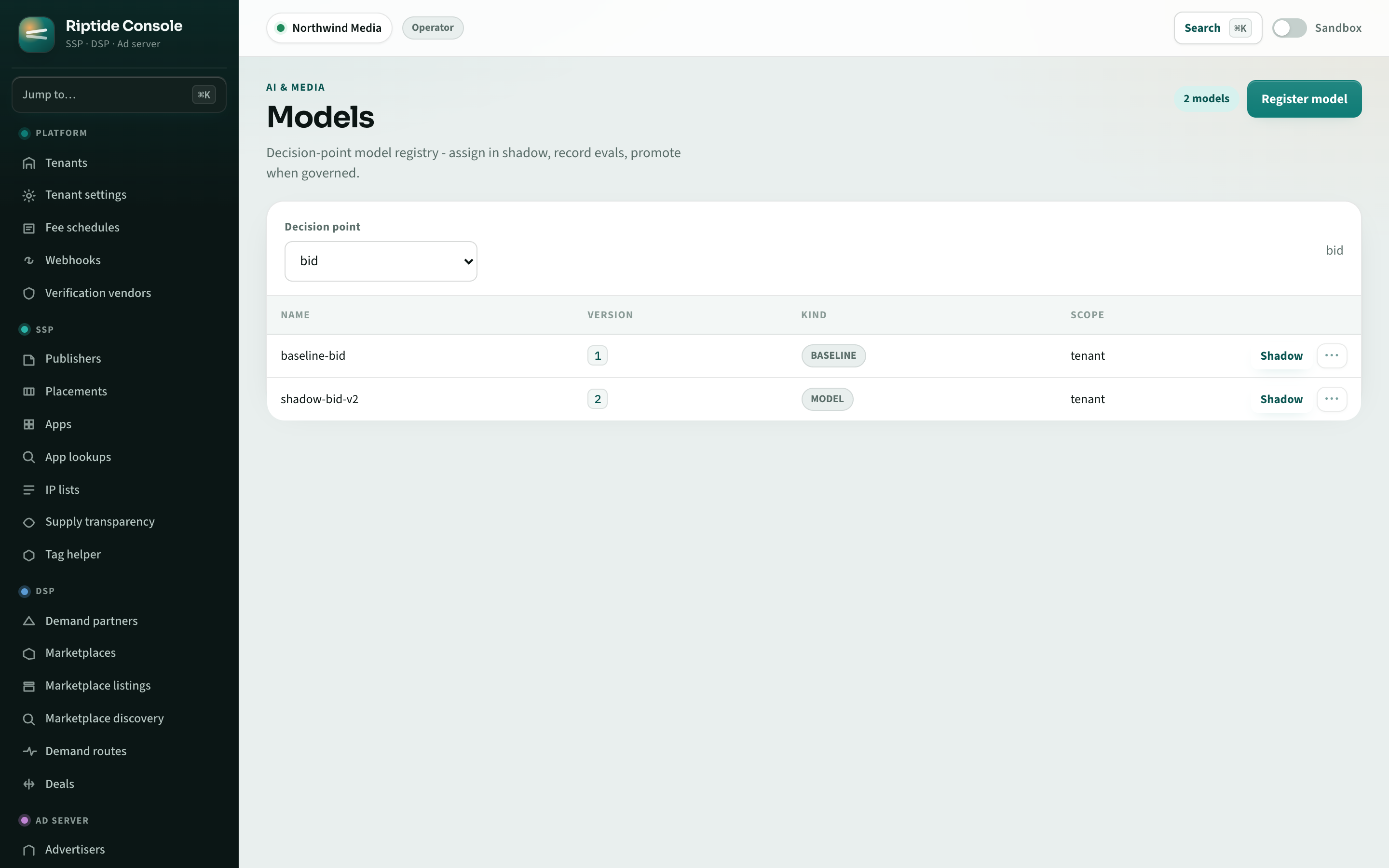
Model registry
Register models, evaluate them in shadow mode, and compare results before an operator approves a bounded A/B test or live use.
Action limits and approvals
Give each agent an identity, permissions, and spending caps. Require approval for selected changes; approval does not override those permissions or caps. Use the kill switch to stop automated actions.
Change history
Review who made each change, the reason they supplied, and the result in an immutable audit record.
Advertising protocols
The gateway includes helpers for AdCP Sales, Signals, and Creative; Trusted Match; UCP; orchestration; and A2A. AAMP alignment is documented; full AAMP protocol conformance is not yet complete.
Set limits before enabling automation
Choose which actions an agent can take on its own and which need a person's approval. Agent permissions apply alongside account isolation and spending limits, so connecting an agent does not give it unrestricted access to the platform.
Use the MCP connection guide to authenticate your agent and discover tools, or the Admin API to call operations from your application. The extension guide covers custom decision models and plugins. Working examples and coding-agent prompts give you clients to adapt once you have chosen the task and permissions.
Connect an agent to your ad operations
Start with the campaign, inventory, or reporting work you want to automate. Request access to discuss the tools and permissions it needs.