
White-label ad platform
Run your own ad platform
Manage ad inventory, campaigns, and programmatic buying in one platform. Use your own brand, set your fees, and automate work through APIs and AI agents.
Riptide combines an ad server, supply-side platform (SSP), and demand-side platform (DSP). Publishers, advertisers, agencies, and platform builders can run it as a managed service or arrange a private deployment.
See the console
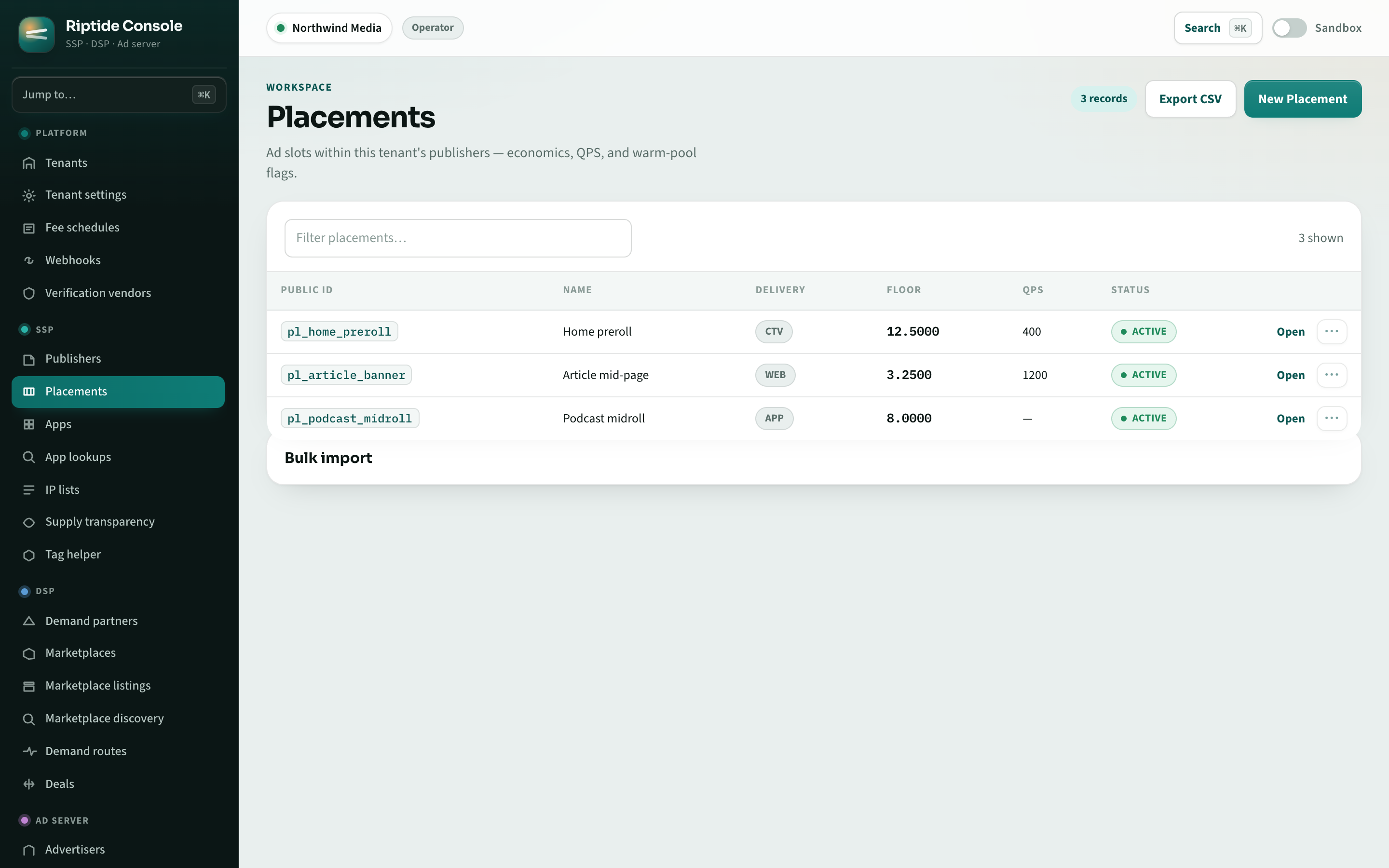
Manage placements, demand partners, campaigns, and reports from one console.
For teams buying, selling, and serving ads
Use the products you need, with separate accounts for your customers.
Publishers
Connect buyers to your inventory and set the terms.
Advertisers
Manage direct and programmatic campaigns.
Agencies
Keep each client's campaigns, data, and fees separate.
Platform builders
Offer customers an ad platform under your brand.
From setup to ad delivery
Run these steps in the console, through the API, or with an agent connected over MCP.
1. Set up inventory
Add publishers and ad placements, choose formats, and set price floors.
2. Connect demand
Book direct campaigns, connect programmatic buyers, or negotiate deals for your inventory.
3. Deliver ads
Integrate your site, app, or player. Riptide selects an eligible ad for each request using your targeting and pricing rules.
4. Track results
Review delivery, revenue, and spend. Adjust campaigns and compare new decision models before putting them into use.
Automate work with limits you set
Connect an MCP-compatible agent to manage campaigns, inspect inventory, or pull reports. Give it permission to suggest changes, request approval, or act within limits you choose.
Riptide records who made each change and what changed. You can also test models for bidding, pacing, and other decisions against the built-in rules before enabling them.
Explore agent tools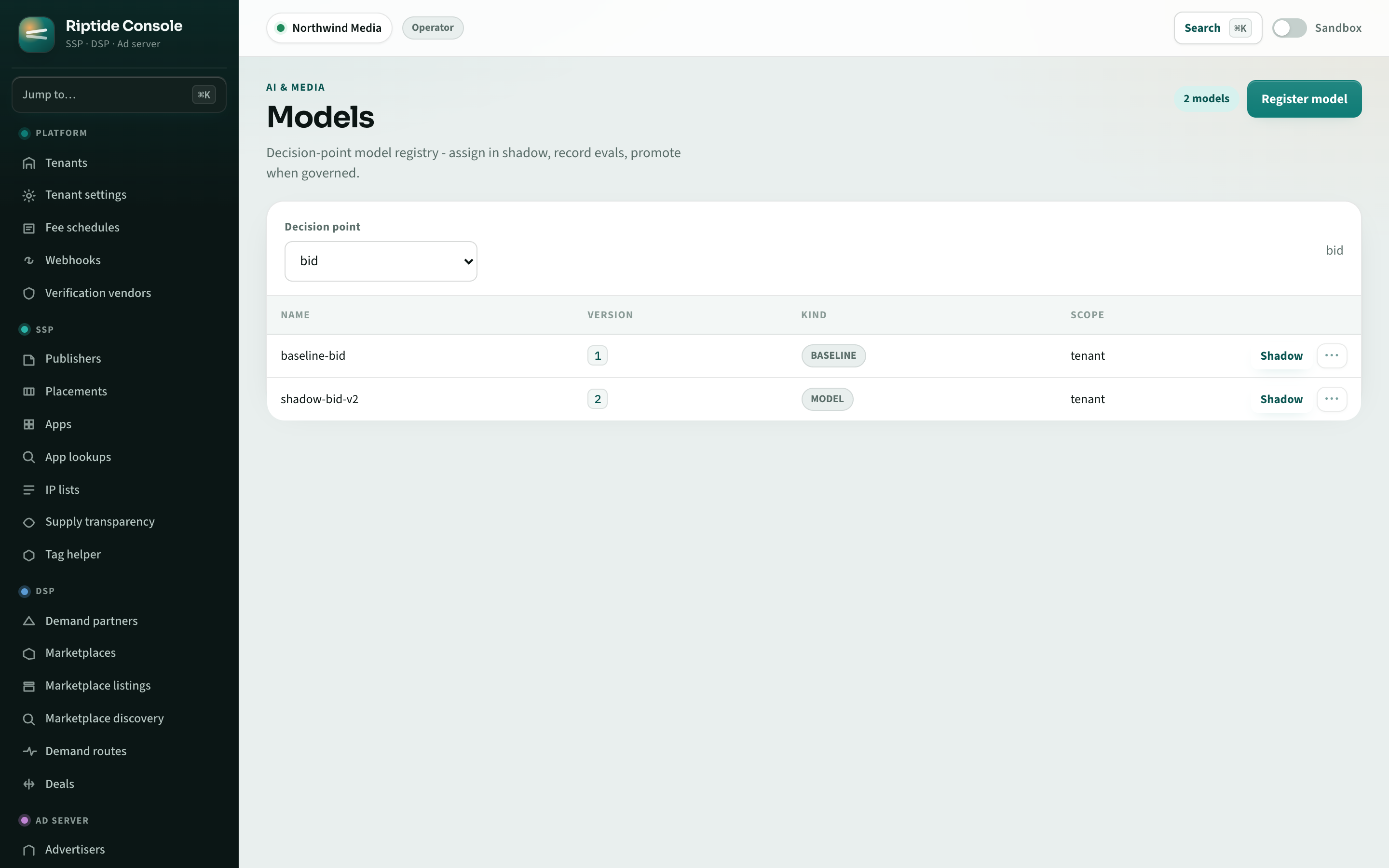
Offer Riptide under your brand
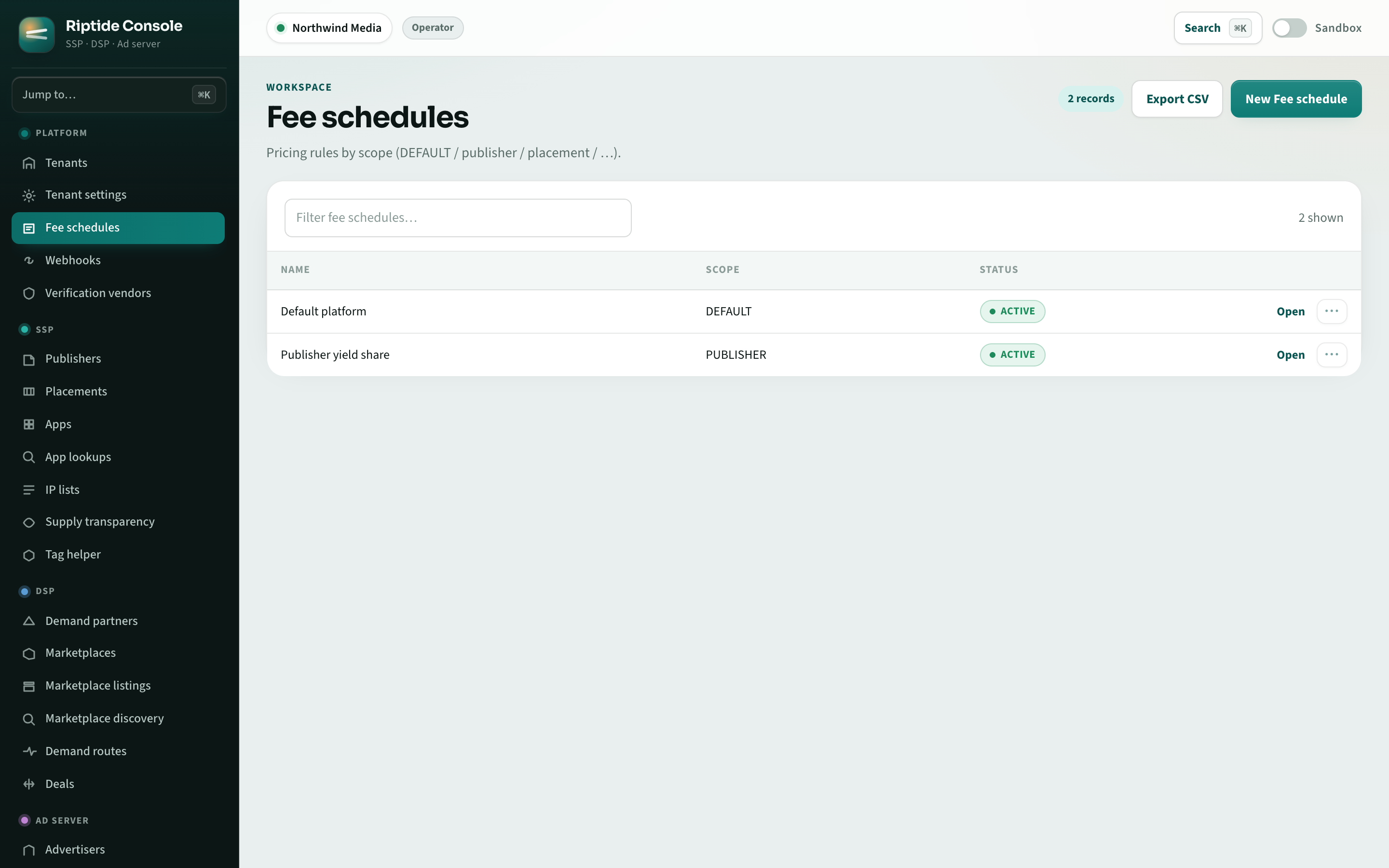
Use your domains and console branding on managed plans. Set the fees you charge publishers and demand partners. Platform and Enterprise plans can combine customer usage on one reseller invoice.
- Custom serving domains and branded console
- Your own fee schedules for publishers and demand partners
- Consolidated reseller billing on Platform and Enterprise plans
- Managed plans start at $299/mo plus usage
Built on industry standards
Connect buyers, players, verification services, and agents using established protocols. Check the standards page for supported versions and limitations.
- OpenRTB
- VAST
- ads.txt / sellers.json
- ads.cert
- MCP
- IAB Content Taxonomy
Connect your tools and add your own logic
Use the API and SDKs to connect Riptide to your applications. Add plugins for custom bidding, enrichment, and verification, or bring your own decision models.
Find the guide for your role
How Riptide compares
Compare the work involved in building your own platform, connecting separate tools, and licensing a white-label product.
Isolation and audit by default
Tenant isolation
Each customer's inventory, campaigns, and reporting are kept separate, with database controls that enforce account boundaries.
Agent permissions
Set what each agent may change and when it needs approval. Review its actions in the audit log.
Privacy controls
Consent and jurisdiction signals control how Riptide uses identifiers, targets audiences, and contacts demand partners.
Common questions
What is Riptide?
Riptide combines an ad server, supply-side platform (SSP), and demand-side platform (DSP). You can manage inventory, campaigns, programmatic demand, and deals under your own brand.
Can I choose a managed service or a private deployment?
Managed plans run from Starter through Enterprise and charge a monthly fee plus usage. A private deployment is available under a commercial agreement. Contact us to discuss which setup fits your business.
What does white-label include?
Managed plans let you serve ads on your domains, use your branding in the console, and set your own publisher and demand-partner fees. You are not required to display Riptide branding in served ads, the console, or customer reporting.
How can I use AI agents with Riptide?
Connect an MCP-compatible agent to inspect inventory, manage campaigns, and pull reports. Set its permissions and spending limits, and require approval for selected changes. Approval does not override those permissions or limits. Riptide records agent actions so you can review them.
How does pricing work?
Managed plans charge a monthly platform fee plus a percentage of SSP revenue, DSP spend, or ad-server spend. Volume discounts reduce that rate to a minimum of 2%. The fees you charge publishers and demand partners are separate.
Get started with Riptide
Share your expected traffic, ad formats, and the systems you need to connect. We can help you choose a plan and identify the setup work.