
Developers / MCP
Connect your agent to Riptide
Use MCP to let your agent configure inventory, manage campaigns, and query reports in Riptide. Tools share schemas with the admin API and respect your tenant permissions. Registered agents use signed requests and configurable limits on the actions they can take.
Example tools
| Tool | When to use it |
|---|---|
riptide.supply.create_placement | Define an ad slot before integrating it into a site or app. Set its floor price and media settings. |
riptide.supply.create_ip_list | Start an IP list for line-item targeting. Import and publish its ranges before using it to include or exclude traffic. |
riptide.supply.verify_supply_document | Review supply identity and authorization records. Check an ads.txt or sellers.json document and save the result for inspection. |
riptide.campaign.create_line_item | Turn a campaign order into delivery instructions by booking a line item under it. |
riptide.demand.create_deal | Record a negotiated buying arrangement as a preferred, guaranteed, or private deal. |
riptide.demand.set_marketplace_deals | Group negotiated deals into a marketplace so placements can use the selected demand together. |
riptide.demand.create_route | Connect an external buyer so it can receive eligible bid requests through a demand route. |
riptide.reporting.run_report | Investigate delivery or revenue by querying a report with the metrics, dimensions, and date range you need. |
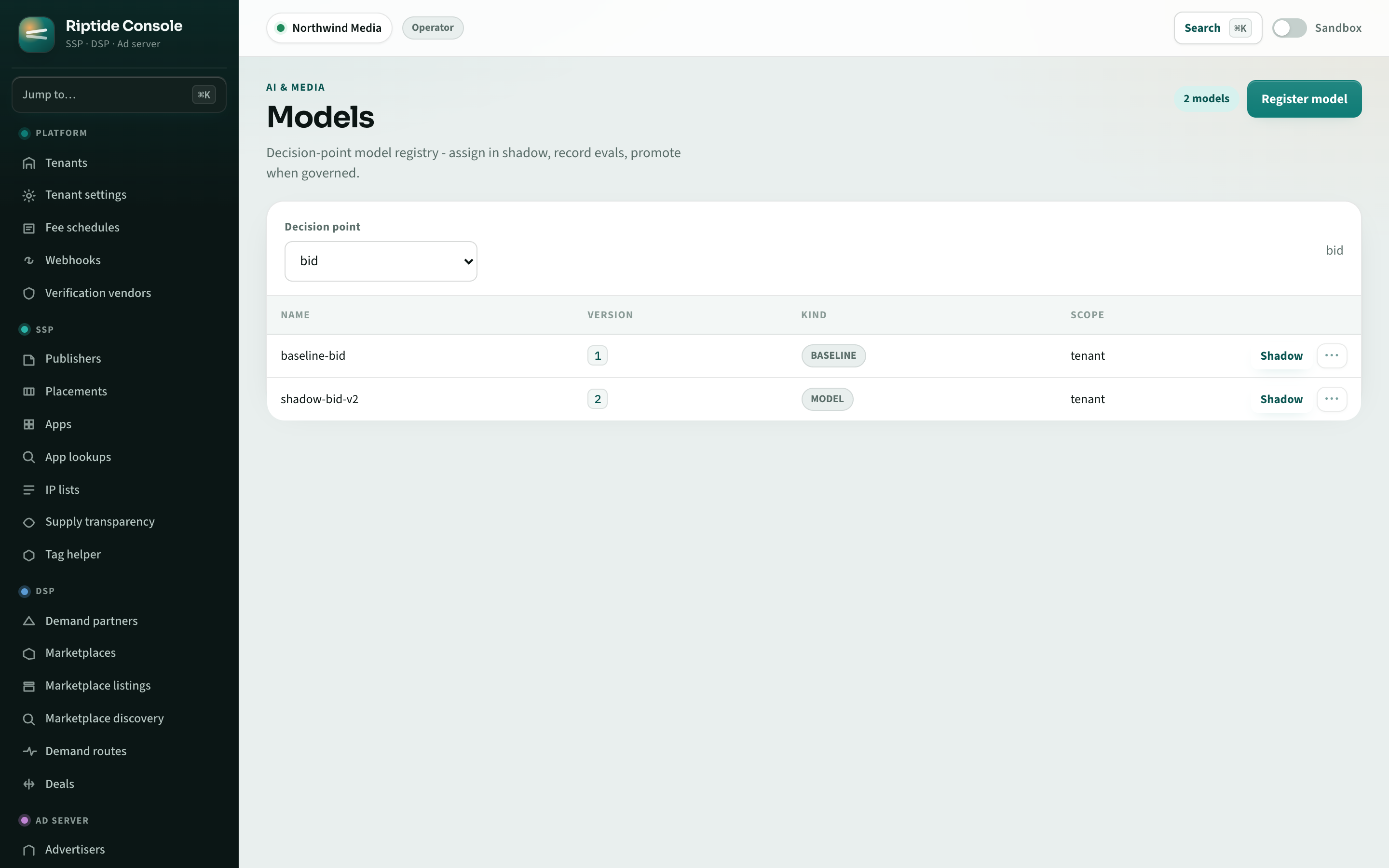
riptide.model.assign_model | Evaluate a model before expanding its use. Assign it to shadow evaluation, a limited A/B test, or live traffic. |
riptide.operability.explain_request | Investigate why an ad request produced a particular result by inspecting its decision trace stage by stage. |
riptide.sales.create_media_buy | Book eligible inventory products through AdCP Sales by creating a media buy. |
Connect to POST /mcp using protocol version 2025-06-18, initialize
a session, then discover the tools your credentials permit. The MCP guide
covers sessions, request signing, and approval tasks. REST tool discovery and invocation
are also available.
Control what your agent can do
Each call runs as an authenticated user or agent in one tenant. For registered agents, signed requests establish the agent's identity. Set limits on spending and actions, require human approval where needed, and pause activity when usage spikes. Changes leave audit records for review.
Protocol interoperability
The gateway also supports AdCP sales, signals, and creative tools, along with Trusted Match, UCP context, and A2A transaction integrations. Check the standards guide for the scope of each integration, including IAB AAMP and ARTF alignment and external protocol conformance.
Start with an MCP client
Use the integration toolkit to inspect the tools your credentials can access, then adapt its client for your agent.